






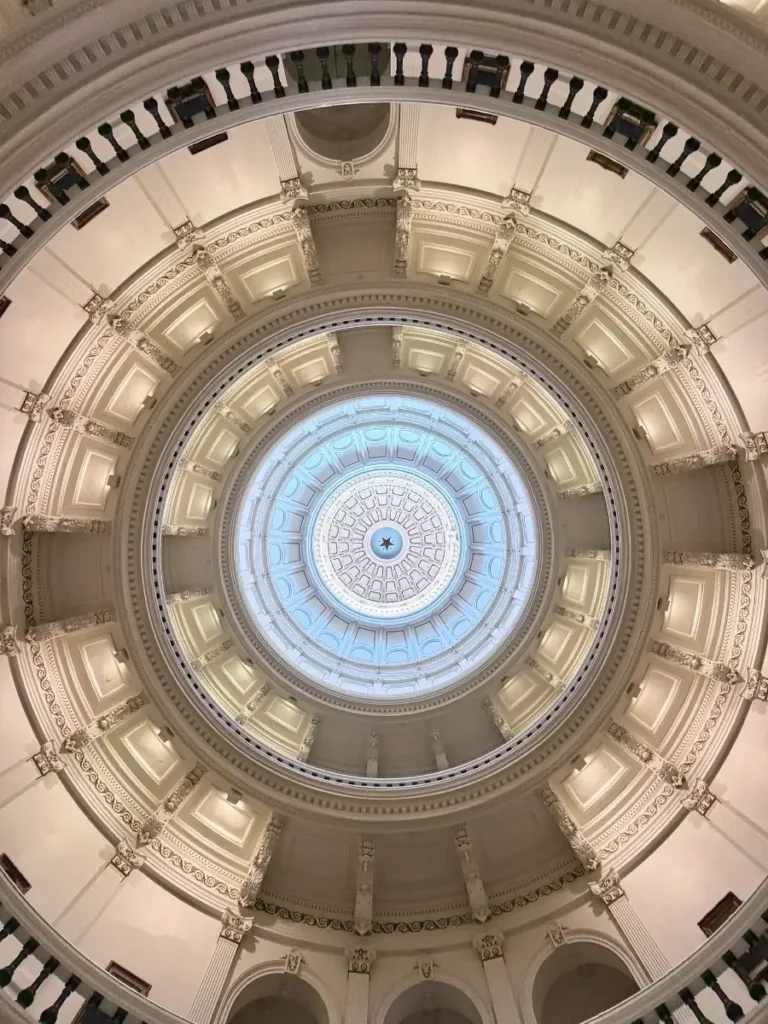
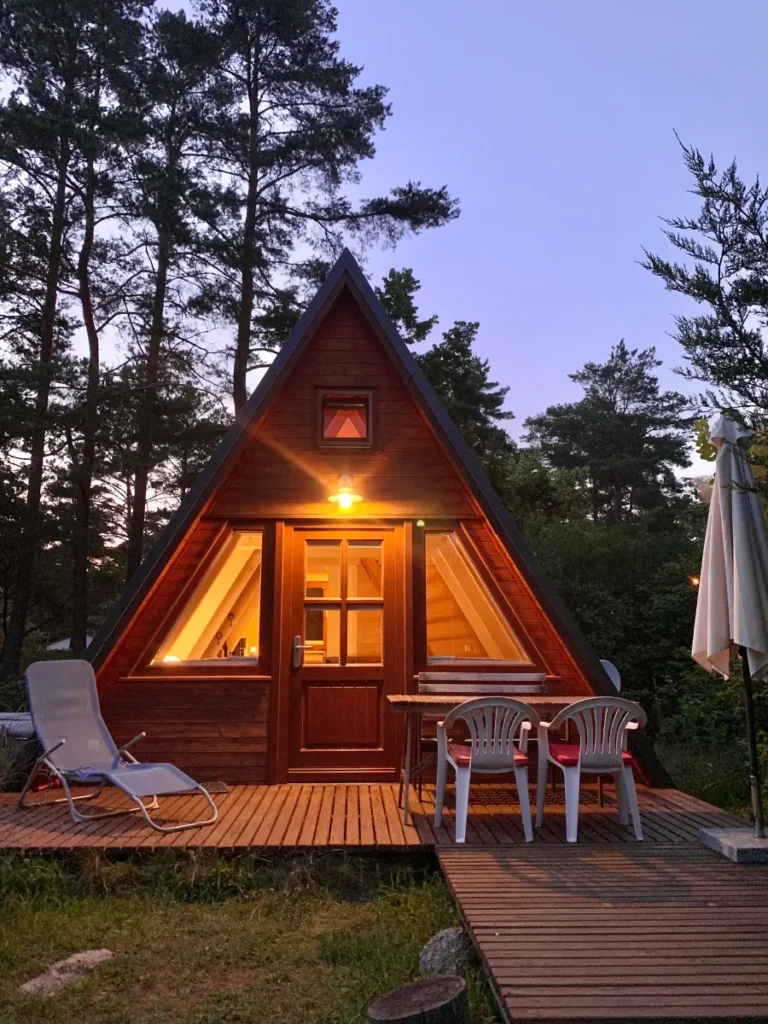
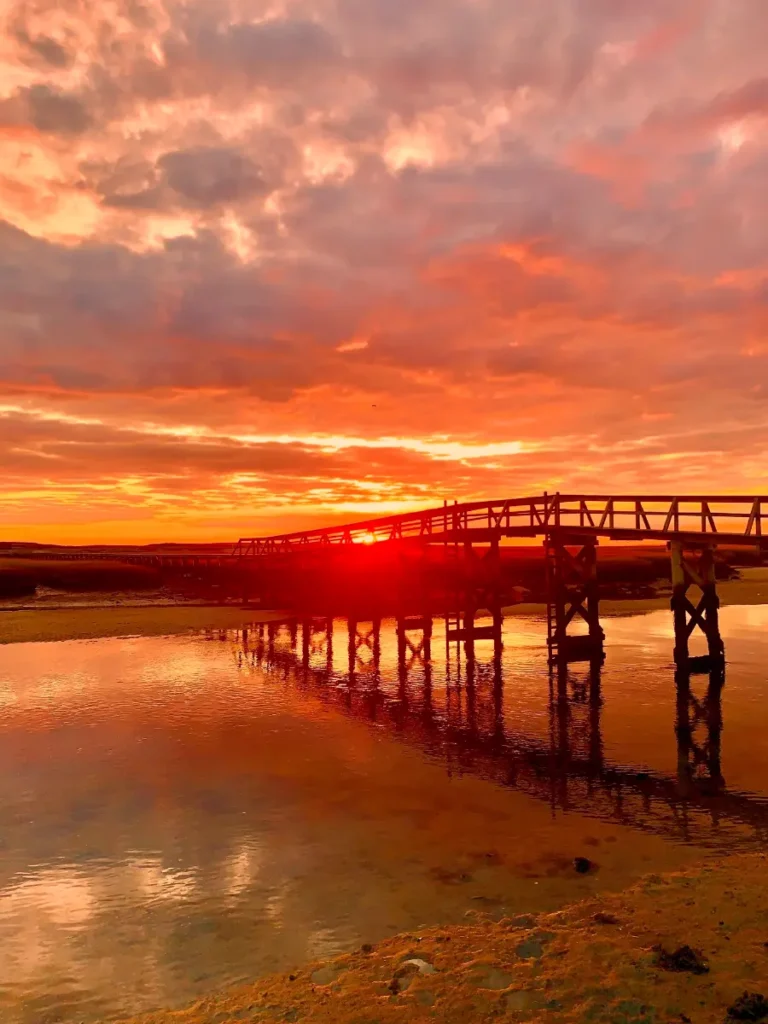

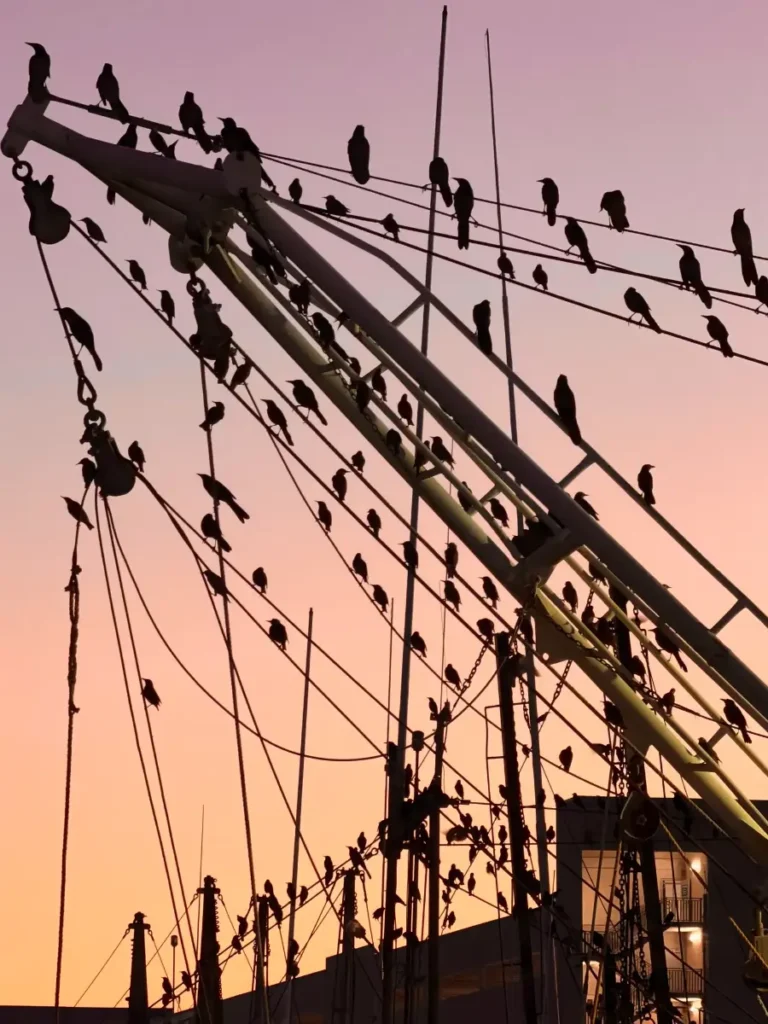
iPhone Photography Essentials

A Million Frames later

How to take the best photos and video of your life, with the world's most popular camera

The 4-Hour Immersive Experience

Your iPhone is a powerful camera — but only if you know how to control it. This four‑hour workshop teaches the 12 Essentials every iPhone photographer should master. These are the settings, controls, and habits that make the biggest difference in real‑world shooting.

We’ll keep it simple, practical, and hands‑on. You’ll learn how to set up your phone, use the hardware buttons, control focus and exposure, choose the right lens, manage zoom, and understand the key tools inside the Camera app. By the end, you’ll be shooting with more intention, more confidence, and far better results.

This workshop is for anyone who wants cleaner, sharper, more compelling images — without switching to a bigger camera.

iPhone photography workshops by Jack Hollingsworth

2 Hours: Classroom Theory

The technical foundations, hidden menus, and the psychology of the frame.

2 Hours: Q/A Screencasts

Putting the "12 Essentials" into practice through demos, Q/A, and Screencasts

The 12 Essentials

YOUR IPHONE, UPGRADED

Turn your everyday device into a fast, intentional, pro-level camera—set up for how photographers actually shoot.

Best iPhone models for photos and video. What actually matters (not the marketing fluff). IPhone 14 vs 15 vs 16 vs 17—real-world differences. Storage, lenses, and performance considerations. Setting realistic expectations for your device.

Button Mastery

Use hardware buttons like a photographer, not a casual user—faster, steadier, and more instinctive shooting.

Power / Wake / Side button behavior. Action button customization. Volume Up as shutter (and Burst mode). Camera Control button (new models). Shooting without touching the screen.

Perfect Settings Setup

Dial in your iPhone once—and let it work for you every time you shoot.

What to turn on (and what to turn off). Preserving your preferred camera settings. Grid, level, and composition aids. Optimizing for speed vs flexibility. Eliminating “why does my phone keep changing this?”.

Resolution Power

Understand when more megapixels help—and when they just slow you down.

12MP vs 24MP vs 48MP. When higher resolution actually matters. File size vs real-world benefit. Everyday shooting recommendations. Avoiding overkill.

Pro File Formats

Choose the right file format for your workflow—not someone else’s.

Most Compatible (JPEG). High Efficiency (HEIF). ProRAW—when it helps, when it hurts. Editing flexibility vs simplicity. Real-world workflow choices.

Pro Photo Controls

Take control of the tools most people ignore—and start making intentional photos.

Night Mode—use it or avoid it. Live Photos—when they matter. Flash—yes or no. Photographic Styles. Aspect ratio and orientation choices.

Pro Video Controls

Shoot cleaner, more intentional video without getting lost in settings.

1080p vs 4K (and why it matters). Frame rates: 30fps vs 60fps. Stabilization basics. White balance lock. Simple settings for better-looking video.

Precision Focus

Tell your camera exactly what matters—and let everything else fall away.

Autofocus behavior. Tap-to-Focus technique. AE/AF Lock. Controlling depth and subject separation. Avoiding missed focus moments.

Perfect Exposure

There’s no “perfect”—but there is intentional. Learn how to control light your way.

How auto exposure really works. Using the brightness (sun) slider. Exposure compensation (EV). Protecting highlights. Creating mood through under/over exposure.

Lens Mastery

Each lens sees the world differently—learn when and why to use each one.

0.5x (13mm ultra-wide). 1x (24mm main). 2x (48mm crop). 4x (100mm telephoto). 8x (200mm extended reach).

Smart Zoom Skills

Zoom with intention—not habit—and keep your image quality intact.

Optical vs digital zoom. When zoom helps vs hurts. Pinch vs zoom wheel control. Composing before you zoom. Avoiding soft, low-quality images.

Creative Modes

Step beyond “Photo” mode and explore tools designed for storytelling and motion.

Time-lapse. Slo-mo. Cinematic mode. Portrait mode. Pano.

Ready to transform your vision?

Join Jack Hollingsworth for an afternoon that will change your relationship with your camera forever.

$169.00

Secure your spot through our partner, Precision Camera.

Capturing professional-grade imagery with the device in your pocket.

Industry Recognition

Jack Hollingsworth is a world-renowned commercial photographer and a leading voice in the mobile photography revolution. With over 40 years of professional experience, Jack has transitioned seamlessly into the mobile era.

Frequently Asked Questions

A few common questions to help you feel prepared and at ease.

About the Experience

Beginner to intermediate learners who want a clear, confidence-building introduction to iPhone photography.

No. If you can open your Camera app, you’re ready.

You’ll learn how to use your iPhone camera more intentionally—covering settings, composition, lighting, and simple techniques to improve both photos and videos.

See ESSENTIALS section

Yes. We’ll focus on essential settings, features, and habits that improve both stills and motion.

Teaching Style & Format

A mix of PowerPoint, live screencasts, and hands-on demos so you can see exactly how each feature works.

This session is classroom-only. All demos will be done through screencasts, examples, and guided practice.

Yes. There will be dedicated Q&A time at the end, plus opportunities to ask questions during the session.

Absolutely.

Devices & Requirements

The workshop features the iPhone 17 Pro Max, but almost everything taught applies to recent Pro and non-Pro models as well.

Update your iOS software to the latest version. This ensures your menus, buttons, and features match what we’ll be teaching.

No. Bring your iPhone, a charged battery, and enough storage space for new photos and videos.

You can still attend. Most concepts apply across models, though some advanced features may vary slightly.

Location & Logistics

Precision Camera & Video
Anderson Lane, Austin, Texas

Approximately 4 hours.

Parking is available at Precision Camera & Video. (Check their site for details if needed.)

https://www.precision-camera.com/

Payment & Registration

Registration is handled directly through Precision Camera.

All payments are processed by Precision Camera through their website.

No. This page is informational only. To reserve your spot, please use the Precision Camera registration link above.

All refund and cancellation policies are managed by Precision Camera. Please refer to their website or contact their team directly for details.

Please contact Precision Camera customer support for any payment or registration questions.

Still have questions?

If you’re feeling curious but not quite ready to decide, that’s completely okay.

If you’d like more clarity, need help deciding if this experience is right for you, or simply want to talk things through, feel free to reach out. I’m happy to help.